 XML Feeds

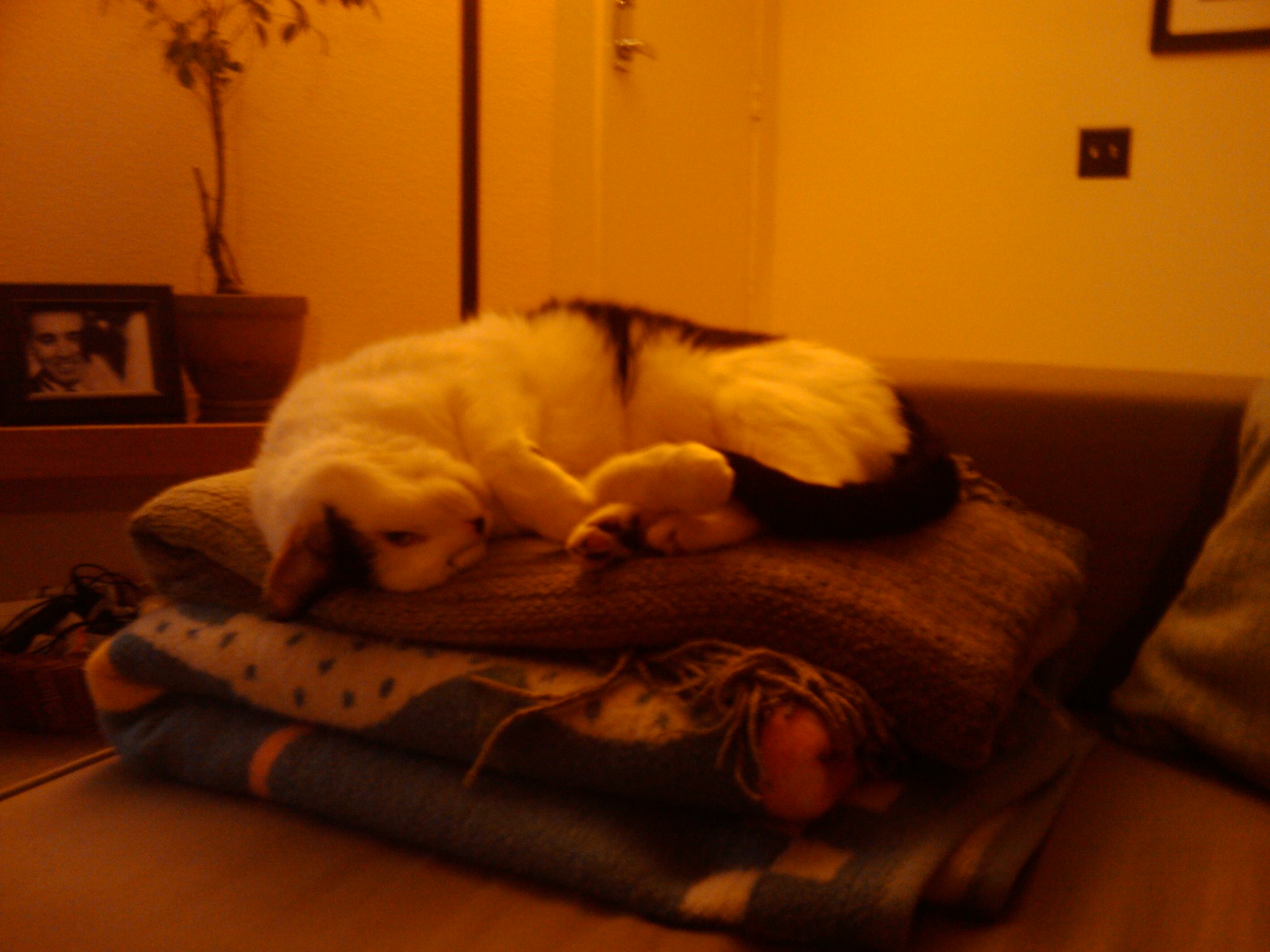
Yet Another Cat Picture
by Jason 
Oswald is like "The Princess and the Pea", except he can sleep anywhere... and for a long time.

 03/09/10 11:06:22 am,
 Of mice and men - Logitech Anywhere Mouse MX
by Jason
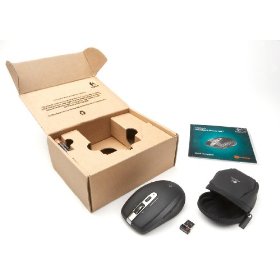
On episode 233 of Security Now they were talking about some fancy new Logitech mouse. I haven't really kept up with computer mice news since optical mice became affordable, but their enthusiasm caught my attention. Here's a clip
The coolest thing they mentioned was the free spinning scroll wheel. It's kind of expensive, but I spend enough time in front of a computer that it makes sense to invest in good gear. Amazon has it with
Frustration-Free Packaging

So I've been using it for about a week, and I have to say, it's pretty cool. The scroll wheel is my favorite part, but it has a few other things which are nice. It's wireless which I didn't realize, and normally I don't like. But the USB receiver is so small that you can leave it in your laptop it stays out of the way. There's a little sliding cover on the bottom that switches off the power when you close it, but I'm leaving it on to see how long the 2 included AA batteries last.
As if that wasn't enough, today I heard Cory Doctorow talking about it on his podcast.
I feel a strange sense of validation and comradely.
Update [2010-02-15 10:12:12] Cory Doctorow's full review it up at Boing Boing
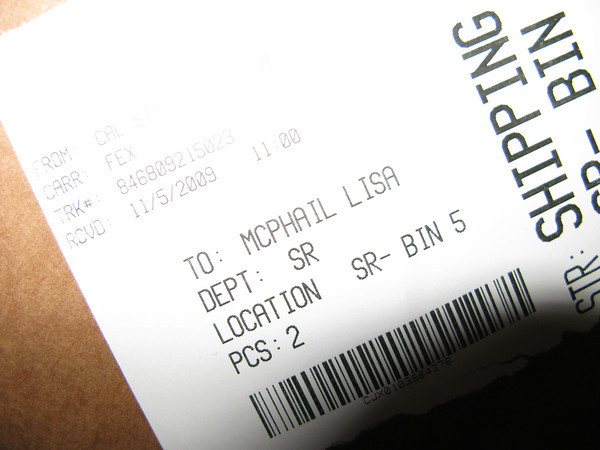
How do you fail at spelling McPheron?
by Jason
Many people have failed to spell my last name correctly, but it had never been such a phonetic fail.
Accidentally exposing my geekiness
by Jason
David Allen’s latest column, Smiles were their umbrellas in parade, is about the Pomona Christmas Parade. I’m quoted making a space-time-continuum joke. Sci-fi geek cred +1.